
Talk Back to the Storyteller
Every scene of a Tavern tale now has its own conversation, and every creator can ask their readers a question at the end. Readers finally have a voice in the tales they follow, and creators get the one thing a shared tale was missing: a reply.
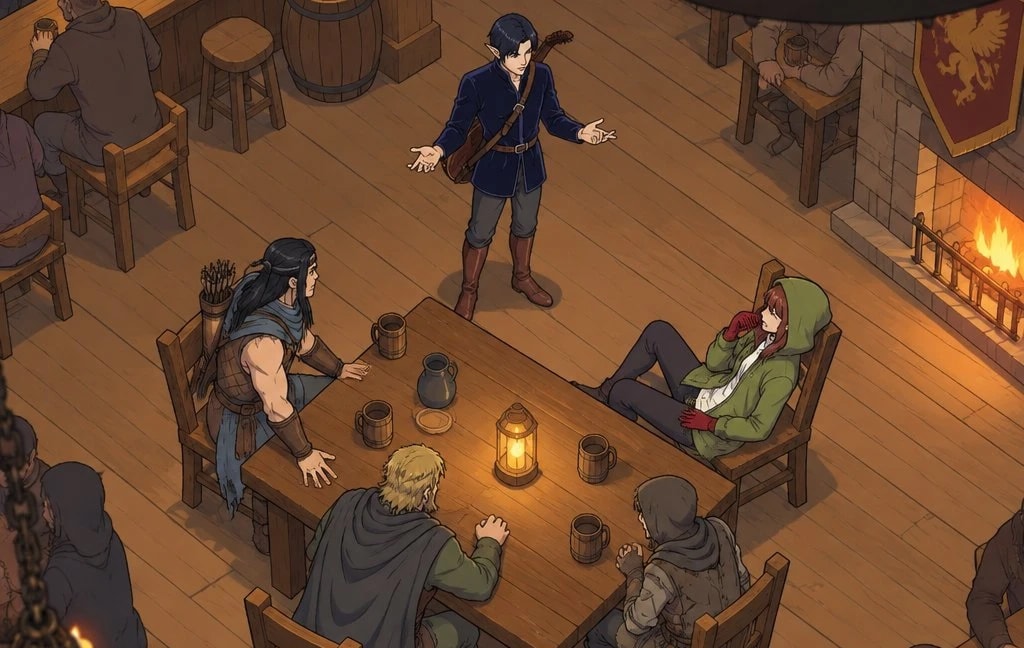
The table talks back
Since the Tavern opened, players have shared hundreds of tales, and other players have read them. But reading was where it ended. A reader who loved a scene had no way to say so, and a creator who wondered whether anyone cared had no way to find out.
Readers can now leave feedback on any scene of a Tavern tale, and creators can ask their readers what they want to see next. The tale stays yours; the conversation around it belongs to everyone at the table.
Scene conversation
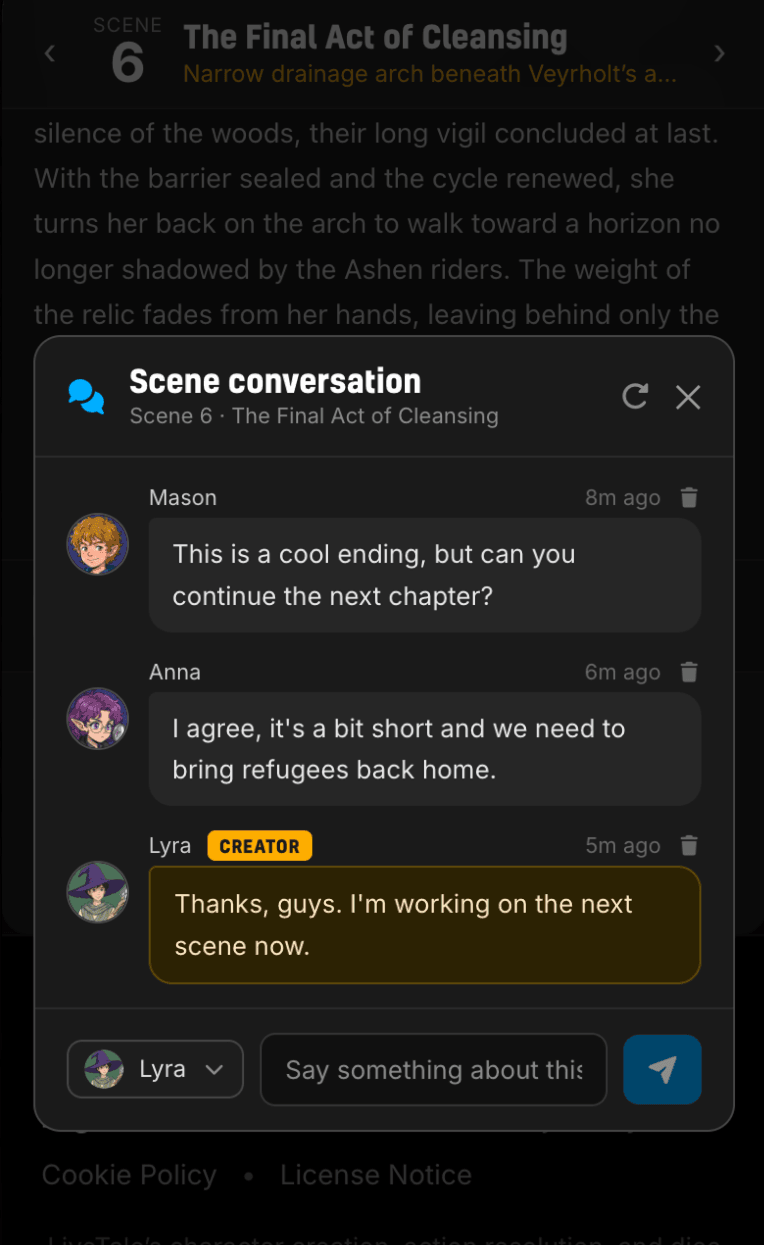
Every scene in a Tavern tale now has a Scene conversation. Look for the chat button under the narration. Open it and you get a small chat room for that scene alone: what readers thought of the twist, the question they wish the hero had asked, the line that made them laugh.
Anyone can join, readers and creators alike, and everyone speaks as their Tavern persona, the same identity you use for hero listings and Wanted requests.
Creators do not have to keep checking back. When a reader comments on your tale, the Tavern Keeper sends you an email with the message and a link straight to that scene, so you can read the conversation and reply in one click.
Scenes with conversations show a small chat mark in the scene list, so you can see at a glance where readers have been talking. And in the Tavern Tales gallery, tales with comments carry a chat icon on their card. The omnibox filter has a new With comments option if you want to browse only the tales people are talking about.
It is on by default, and you can turn it off
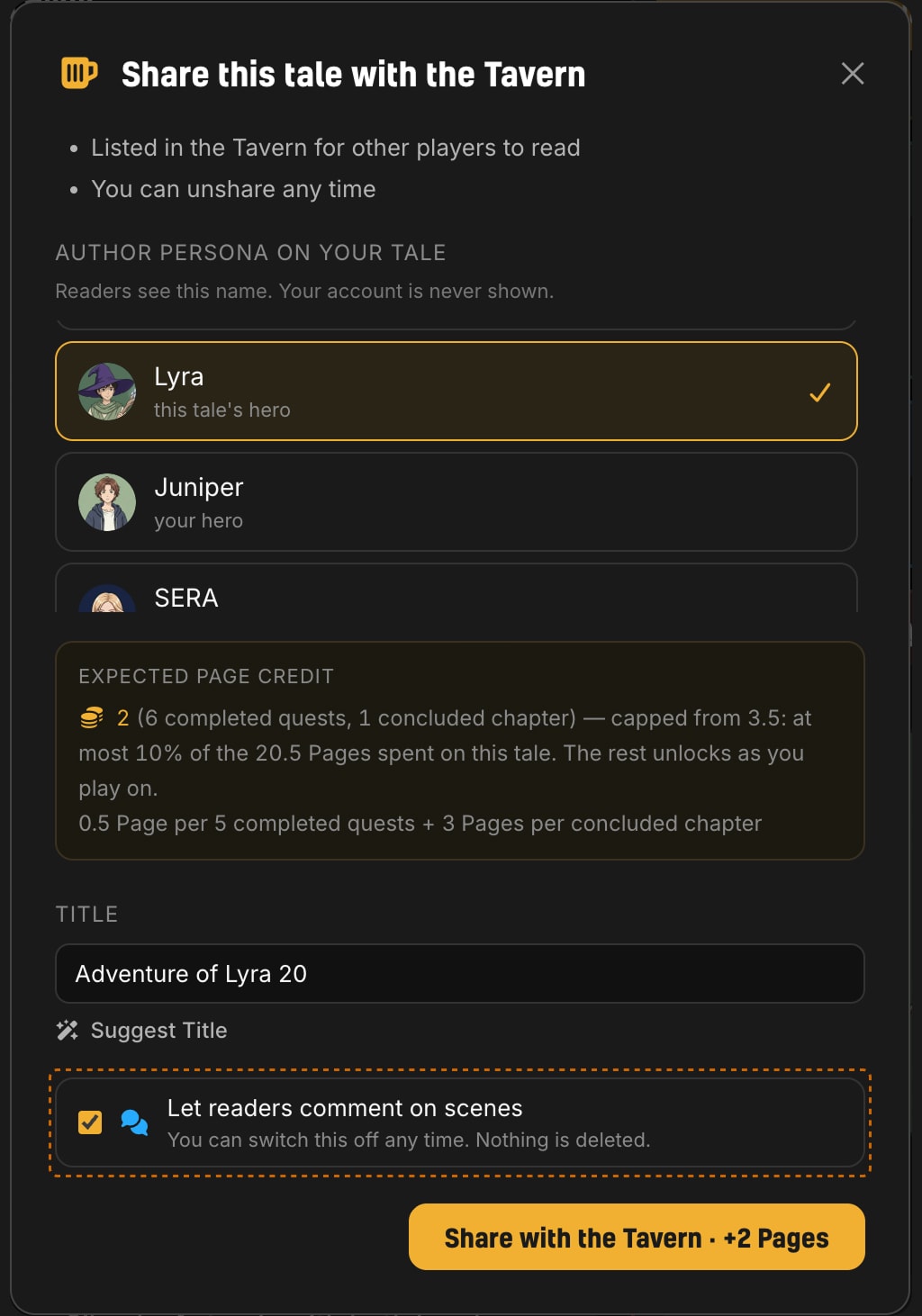
Scene comments are on for every tale in the Tavern, including the tales you shared before today. We made that choice deliberately: a reader who takes the time to comment is rare, and almost every creator who lists a tale wants to hear from them.
If you would rather keep a tale quiet, you can. Untick Let readers comment on scenes when you share, or use the Turn off link in your tale's Manage dialog or right under any scene of your own tale. Nothing is deleted when you switch comments off; every conversation comes back the moment you turn them on again. You can also remove any single comment on your tale.
Ask your readers with a poll
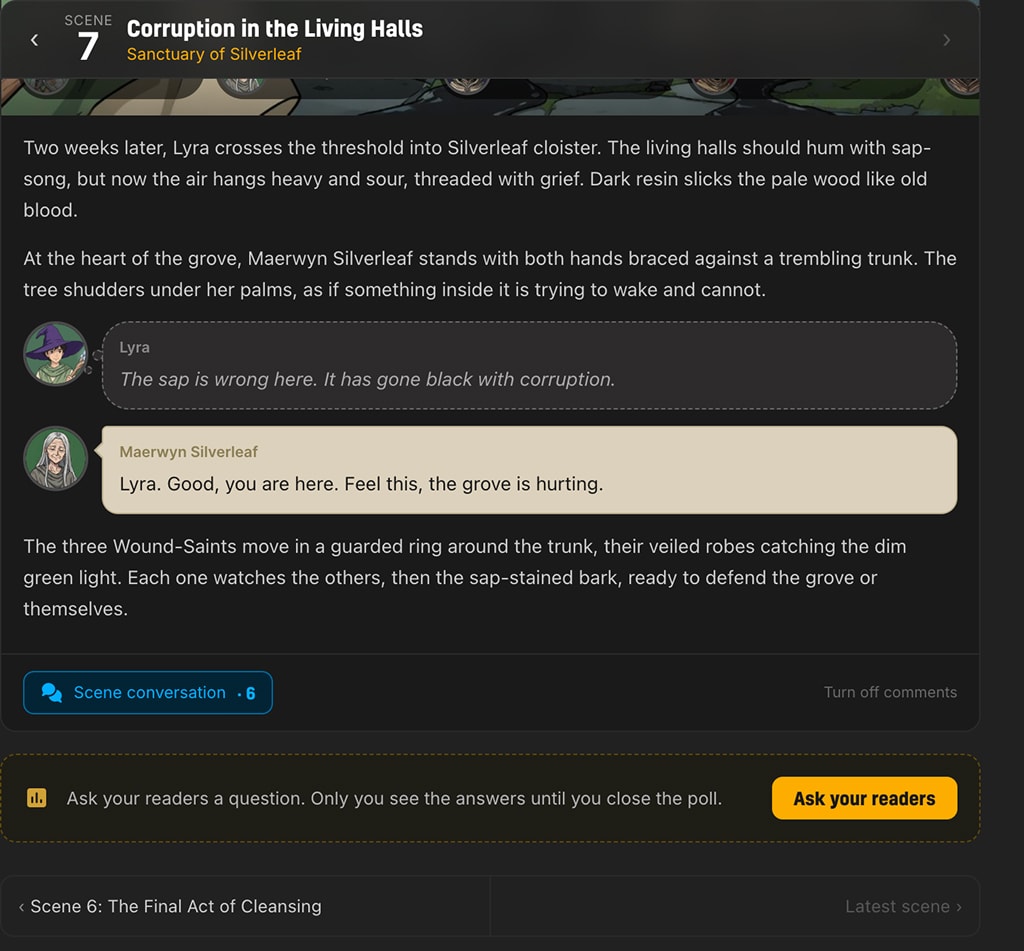
Sometimes you do not want a discussion. You want a decision. At the last scene of your Tavern tale you will now find an Ask your readers card. Write a question, give two to five answers, and optionally let readers write in their own. The poll appears at the end of your tale for everyone who reads it.
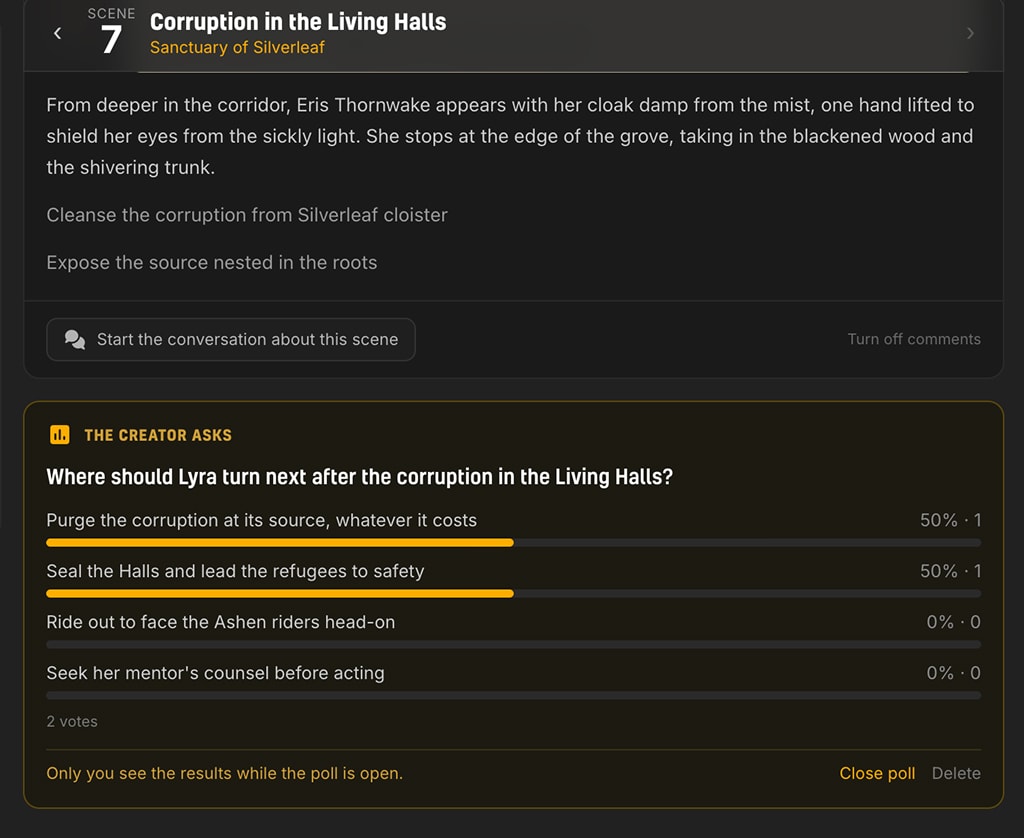
Readers cast one vote each and can change it while the poll is open. They will not see the tally, only that their vote is in, so early votes do not steer later ones. You, the creator, see the results as they come in. When you have your answer, close the poll and the results become visible to everyone. Then go play the next scene, knowing what your readers were hoping for.
Each tale holds one poll at a time. Delete an open poll to ask something new; a closed poll stays as part of the tale's record. In the gallery, tales with an open poll carry a poll badge on their card, and the Active poll filter finds them.
Go say something
Every tale in the Tavern is waiting for its first comment. Find one you have been following, open a scene, and tell the creator what you thought. If you are the creator, go ask the question you have been wondering about.