
Play as a Party
Lore Book 3.0 turns your Lore Book into a shared world. Heroes from the same genre family join one Party Lore Book, walk into the same tale as a party, and you choose who plays each beat.
Every tale on LiveTale has been one hero's story. You could build a deep world in a Lore Book, you could even copy that world to a second hero, but the heroes themselves never met. The rival you made to spar with your champion, the healer you made to patch her up: they lived in parallel universes.
Lore Book 3.0 ends that. Its headline is party play: your heroes share one Lore Book, walk into the same tale together, and you decide who takes the next step.

Upgrade your Lore Book to create a party
It starts with the Lore Book you already have. Open any hero's Lore Book and you will find a new card: Create a Party Lore Book. Give the book a name and it stops belonging to one hero and becomes the party's book.
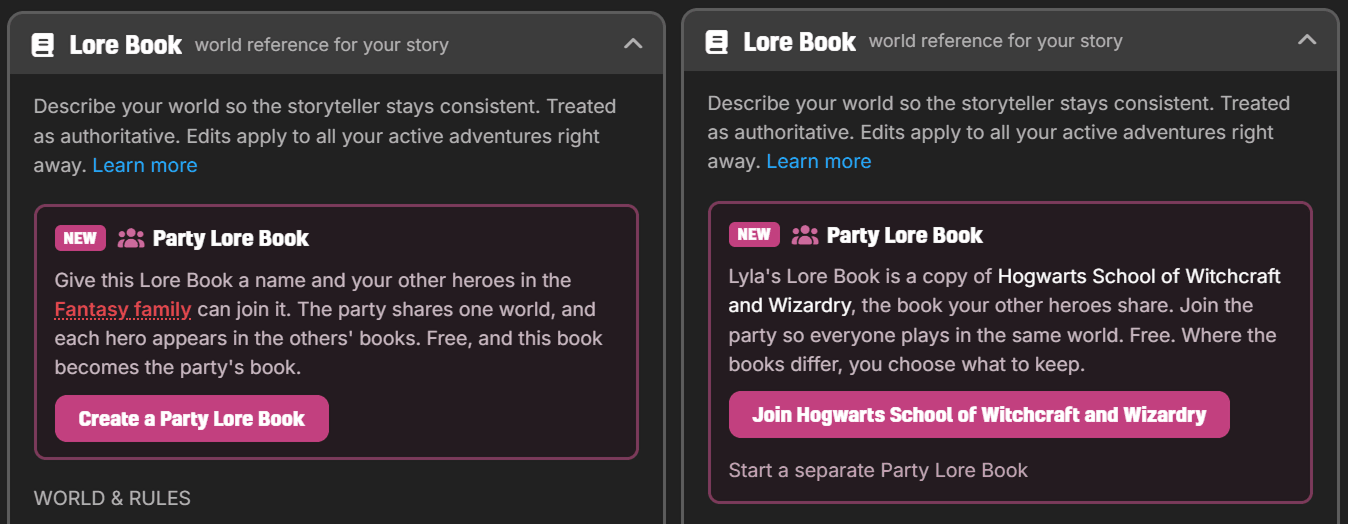
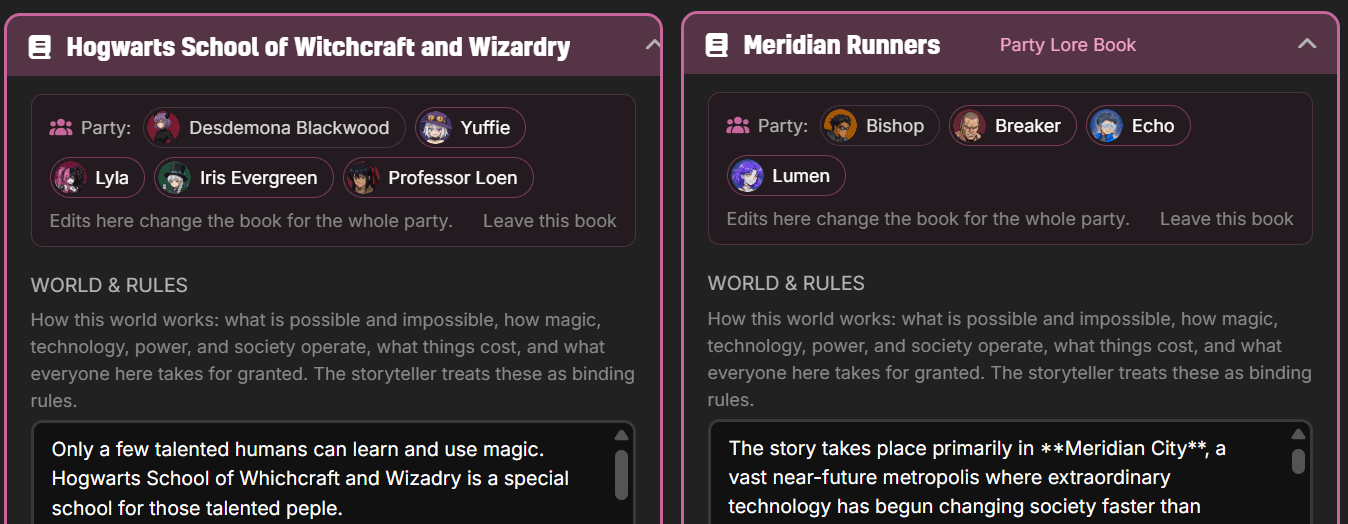
From then on, any of your other heroes in the same genre family can join. The party shares one world: the same WORLD & RULES, the same places, the same cast. Each hero also appears in the other members' books, so your storyteller knows these people belong to one another's stories. If a joining hero already carries their own version of the world, you review the differences and choose what to keep. All of it is free.
Switch your acting hero any time
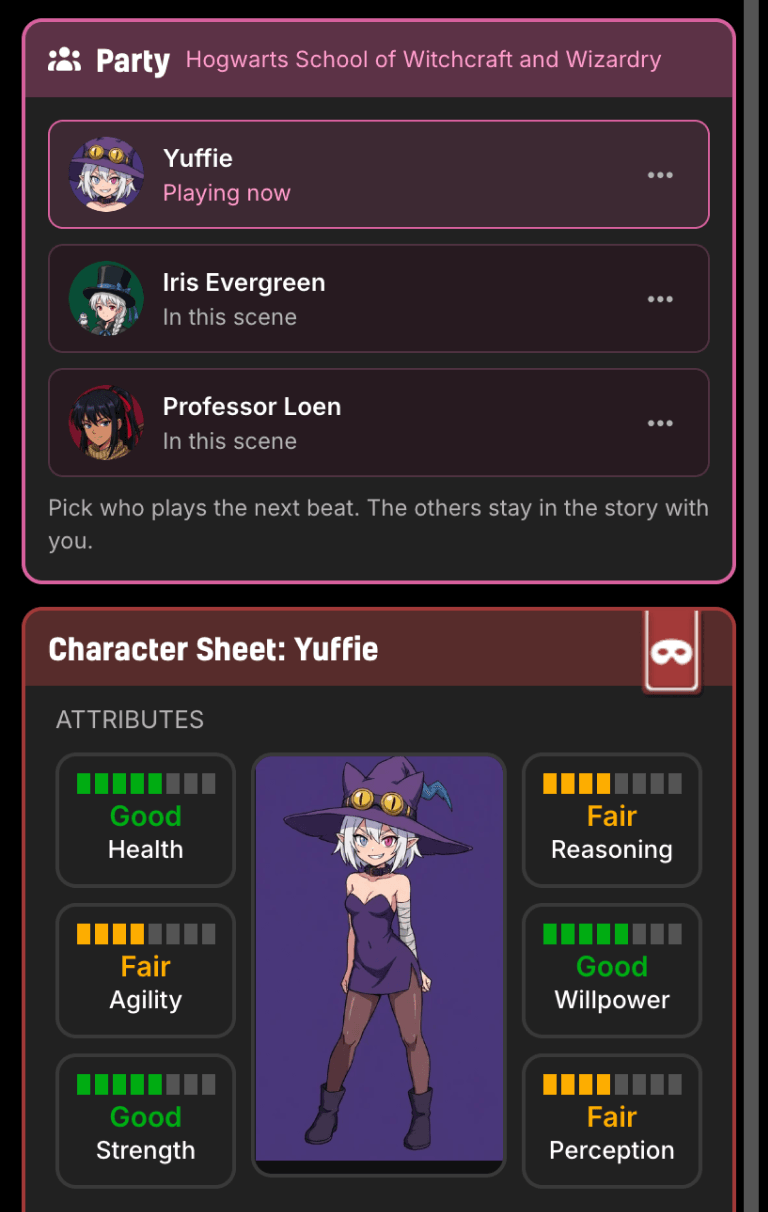
Start a tale with any hero in the party and the other members automatically join the party when they first appear in the story. In a party tale, the Party panel lists every member. Pick who plays the next beat: the whole row is the button. Your character sheet follows the switch, so the stats, skills and equipment you see are always the acting hero's. The others do not vanish; they stay in the scene with you, played by the story until you take them over.
That matters more than it sounds. A locked door wants the rogue. A dying stranger wants the healer. A romance wants to be played from both sides. Now you bring the right hero to the moment instead of wishing you had made a different character.
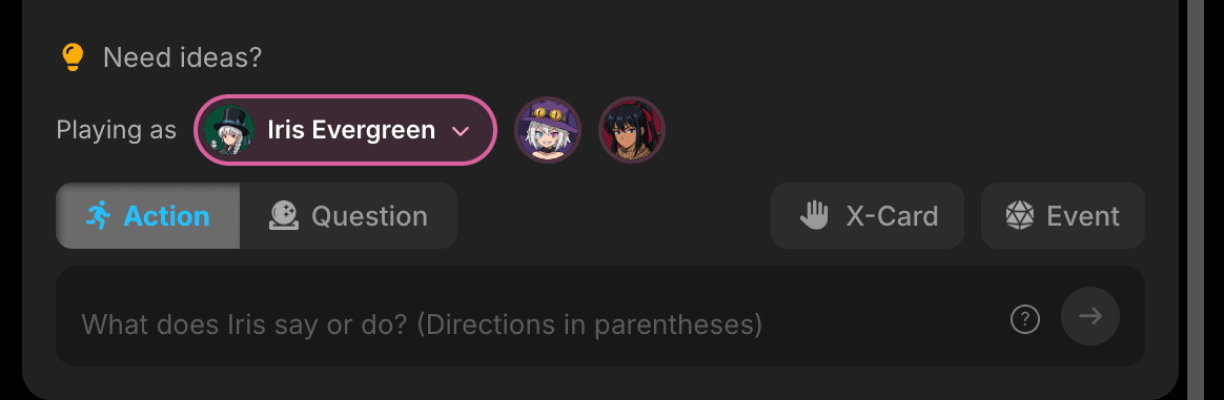
You can also switch right where you type: the hero bar above the input box shows who you are playing as, with the rest of the party one click away.
Rewards go to the hero who earned them
With more than one hero in the tale, who grows? The one who did the work. When a quest completes, the reward goes to the hero who completed it, marked right on the quest banner. Every member keeps their own sheet and their own growth, so the party comes out of an adventure the way a real party would: each hero shaped by what they actually did.

The book remembers every chapter
A Party Lore Book comes with another upgrade. It stays synchronized with your adventures. When you conclude a chapter, the tale offers to add it to the book: the characters your party met, the places you explored, the events that should become history. You review the whole list, edit any entry, and tick exactly what goes in. Nothing is saved until you press Add.
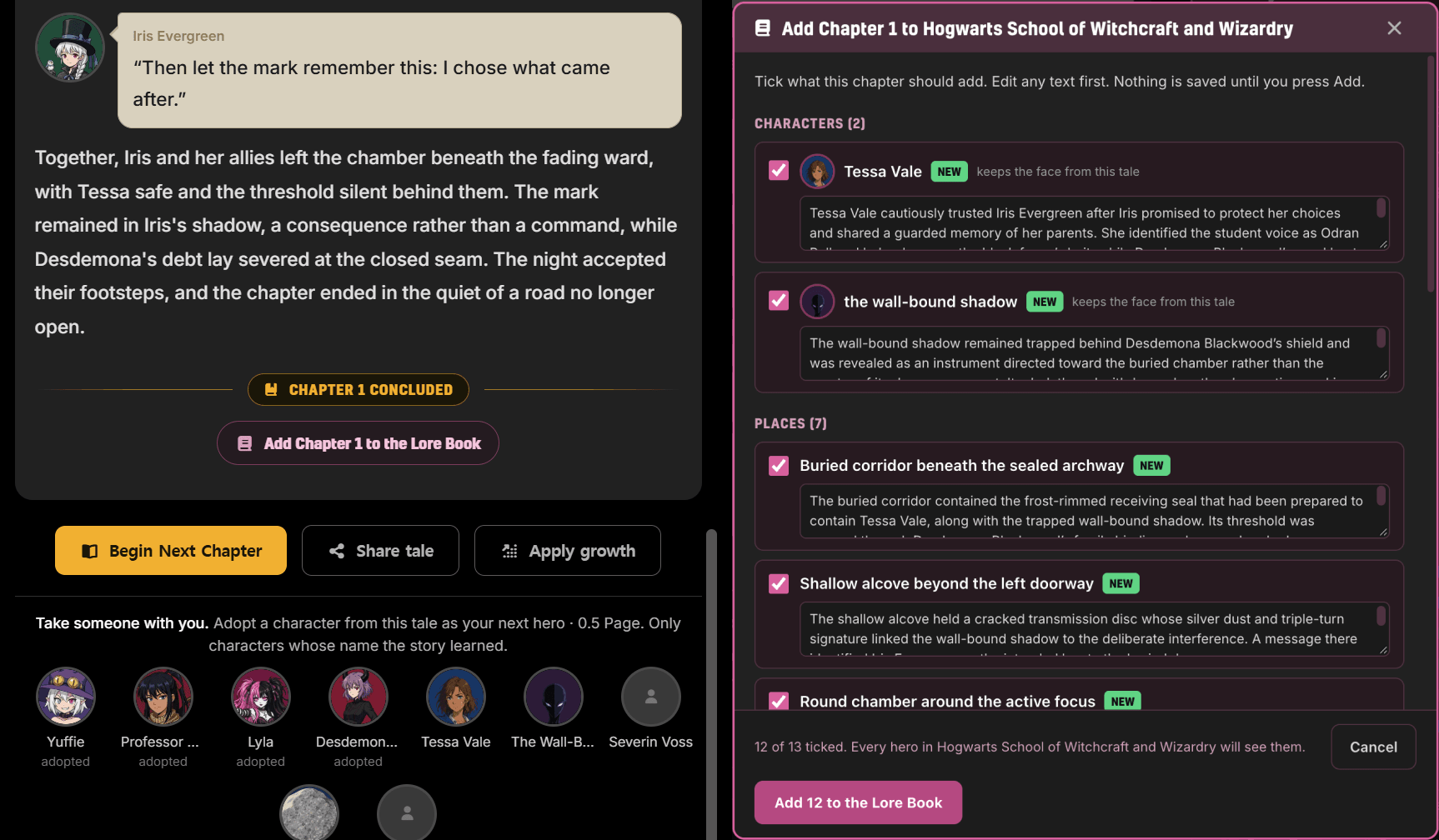
Once added, those people and places exist for the whole party. The ally your wizard made in chapter one is already an old friend when your rogue meets her three tales later.
Recruit a whole party from the Tavern
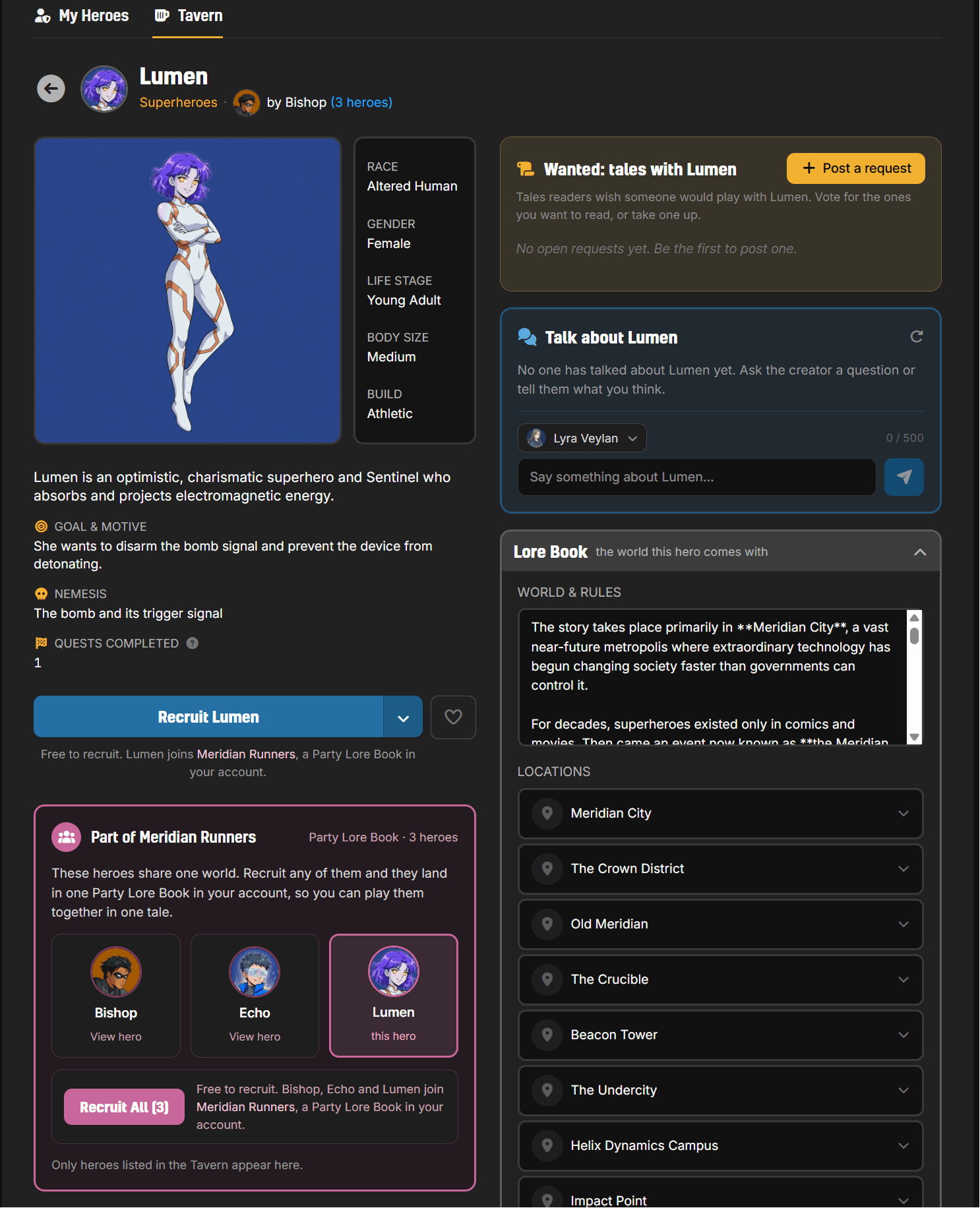
Party Lore Books travel, too. When a creator lists party heroes in the Tavern, each hero's page shows the party they belong to. Recruit one and they arrive with their shared world. Or press Recruit All and take the whole roster at once: the heroes land in one Party Lore Book in your account, ready to play together in one tale from the first scene.
Your world was never meant for one hero
Solo roleplay has always had a quiet limit: one hero per story, no matter how big the world grew. Party play removes it. Build the world once, fill it with heroes, and let them share the road.
Open your heroes, pick your favorite's Lore Book, and create your party.